> ## Documentation Index
> Fetch the complete documentation index at: https://docs.dynamic.xyz/docs/llms.txt
> Use this file to discover all available pages before exploring further.
# Using Networks
For new React apps, we recommend the JavaScript SDK with React Hooks (`@dynamic-labs-sdk/react-hooks`) instead of the legacy React SDK documented here. The JS SDK comes with many benefits such as a much smaller bundle size and other optimizations. Use the [React quickstart (JavaScript SDK)](/javascript/reference/react-quickstart) to get started.
## Fetching Enabled Networks
The wallet connector provides the `getEnabledNetworks` method:
```tsx React theme={"system"}
const enabledNetworks = primaryWallet.connector.getEnabledNetworks();
```
This method returns an array of [network objects](/react/reference/objects/evmNetwork#evmnetwork).
## Example
```tsx React theme={"system"}
const { primaryWallet } = useDynamicContext();
if(!primaryWallet) return;
const enabledNetworks = primaryWallet.connector.getEnabledNetworks();
return (
{enabledNetworks.map((network) => (
{network.chainName}
))}
)
```
### Network Switching
### Usage
Using the primaryWallet provided by [useDynamicContext](/react/reference/hooks/usedynamiccontext),
you have two useful methods for network switching:
Available on the connector object for the wallet.Whether the connector supports network switching.
Available directly on the wallet object. Switch to another network by providing either the network name or chain id.
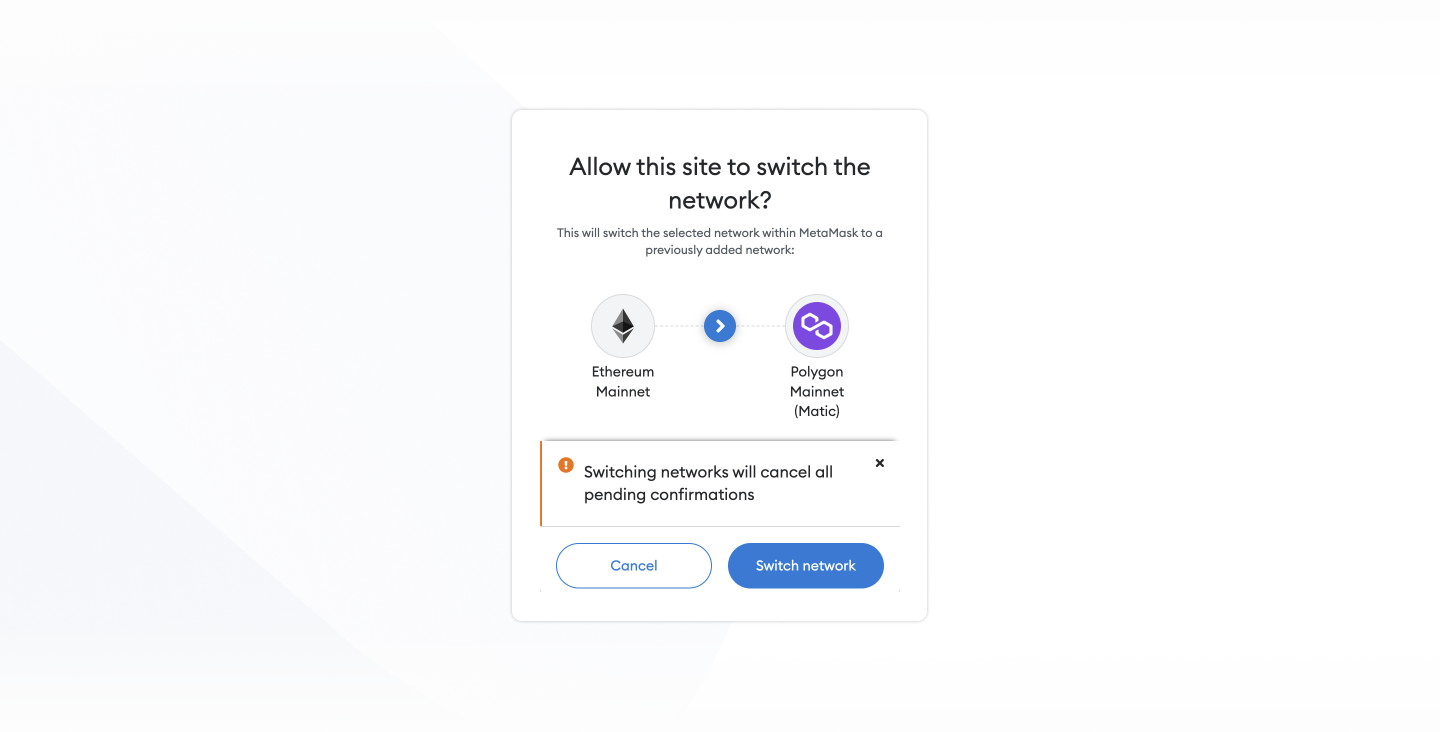
When calling `switchNetwork` with a connector supporting network switching, the SDK will either request the user to confirm the network switch or add the network if it was not previously set.
### Example
```typescript theme={"system"}
const { primaryWallet } = useDynamicContext();
if (primaryWallet?.connector.supportsNetworkSwitching()) {
await primaryWallet.switchNetwork(137);
console.log('Success! Network switched');
}
```