> ## Documentation Index
> Fetch the complete documentation index at: https://docs.dynamic.xyz/docs/llms.txt
> Use this file to discover all available pages before exploring further.
# usePayWithDynamic
For new React apps, we recommend the JavaScript SDK with React Hooks (`@dynamic-labs-sdk/react-hooks`) instead of the legacy React SDK documented here. The JS SDK comes with many benefits such as a much smaller bundle size and other optimizations. Use the [React quickstart (JavaScript SDK)](/javascript/reference/react-quickstart) to get started.
The `usePayWithDynamic` hook provides a unified payment flow that lets users fund transactions using any supported Dynamic method—whether through an external wallet, exchange account, or onramp provider.It accepts a PayWithDynamicProps object (destination address, token symbol, amount, network, and chain name), then renders a contextual UI prompting the user to choose their preferred payment source. After the user selects a method, the hook orchestrates the transaction through their desired funding method.
Note that each funding method must be enabled and configured for it to appear as a funding option.
For individual funding methods, see [useFundWithWallet](/react/reference/hooks/funding/usefundwithwallet), [useExchangeAccounts](/react/reference/hooks/funding/useexchangeaccounts), and [useOnramp](/react/reference/hooks/funding/useonramp).
See each individual funding method for more details:
1. [External Wallet](https://www.dynamic.xyz/docs/money-and-funding/fund-from-external-wallet)
2. [Exchange](https://www.dynamic.xyz/docs/money-and-funding/fund-from-exchange/overview)
3. [Onramp](https://www.dynamic.xyz/docs/money-and-funding/default-onramps)
**Inputs**:
| Parameter | Type | Description |
| -------------------- | ------------------ | ---------------------------------------------- |
| `destinationAddress` | `string` | Where the transfer should go to |
| `tokenAmount` | `number` | The amount of the given token to be transfered |
| `tokenSymbol` | `string` | The token to be transfered |
| `network` | `string or number` | The network ID to be used on the transaction |
| `chainName` | `ChainEnum` | The chain to be used for the transaction |
**Example**:
```typescript theme={"system"}
import { ChainEnum } from "@dynamic-labs/sdk-api-core";
import { usePayWithDynamic } from "@dynamic-labs/sdk-react-core";
const pay = usePayWithDynamic();
await pay({
destinationAddress: '0x123',
tokenAmount: 5,
tokenSymbol: 'ETH',
network: 1,
chainName: ChainEnum.EVM,
});
```
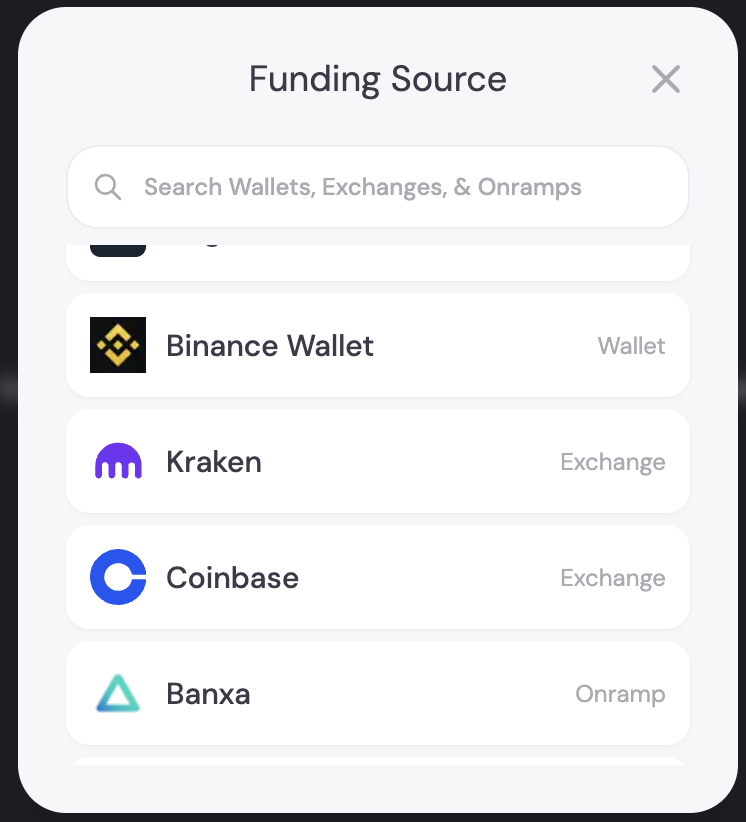
## Unified View
This view will allow the user to select their desired funding method: An external wallet, exchange, or onramp
 ## Error States
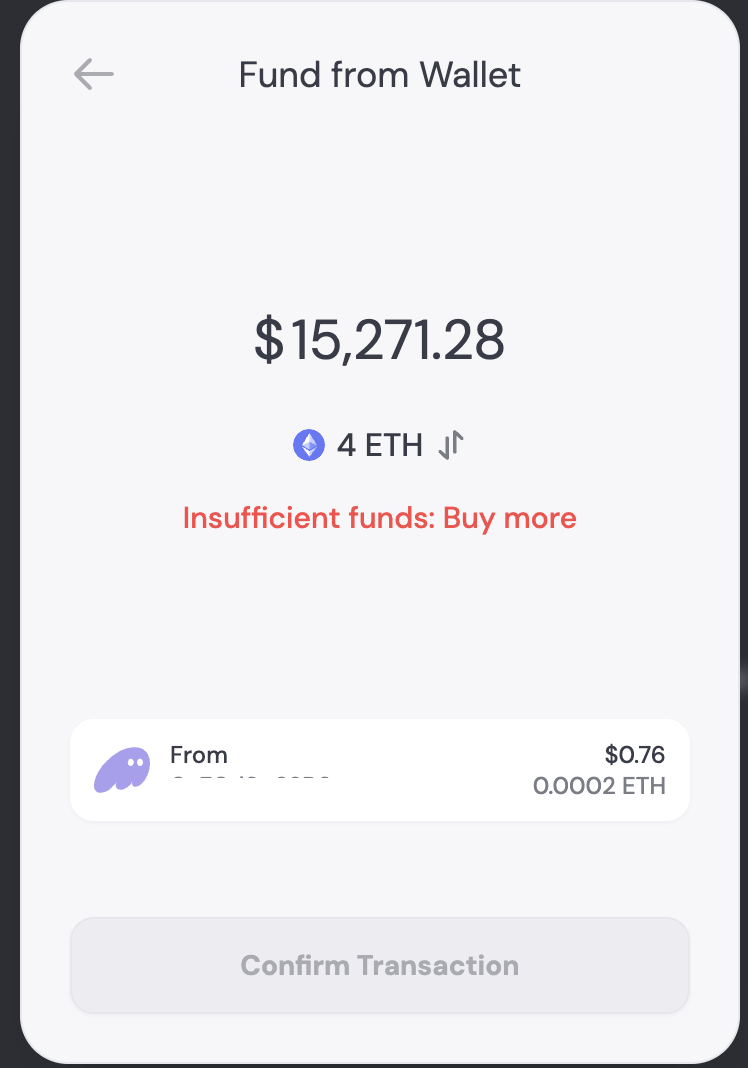
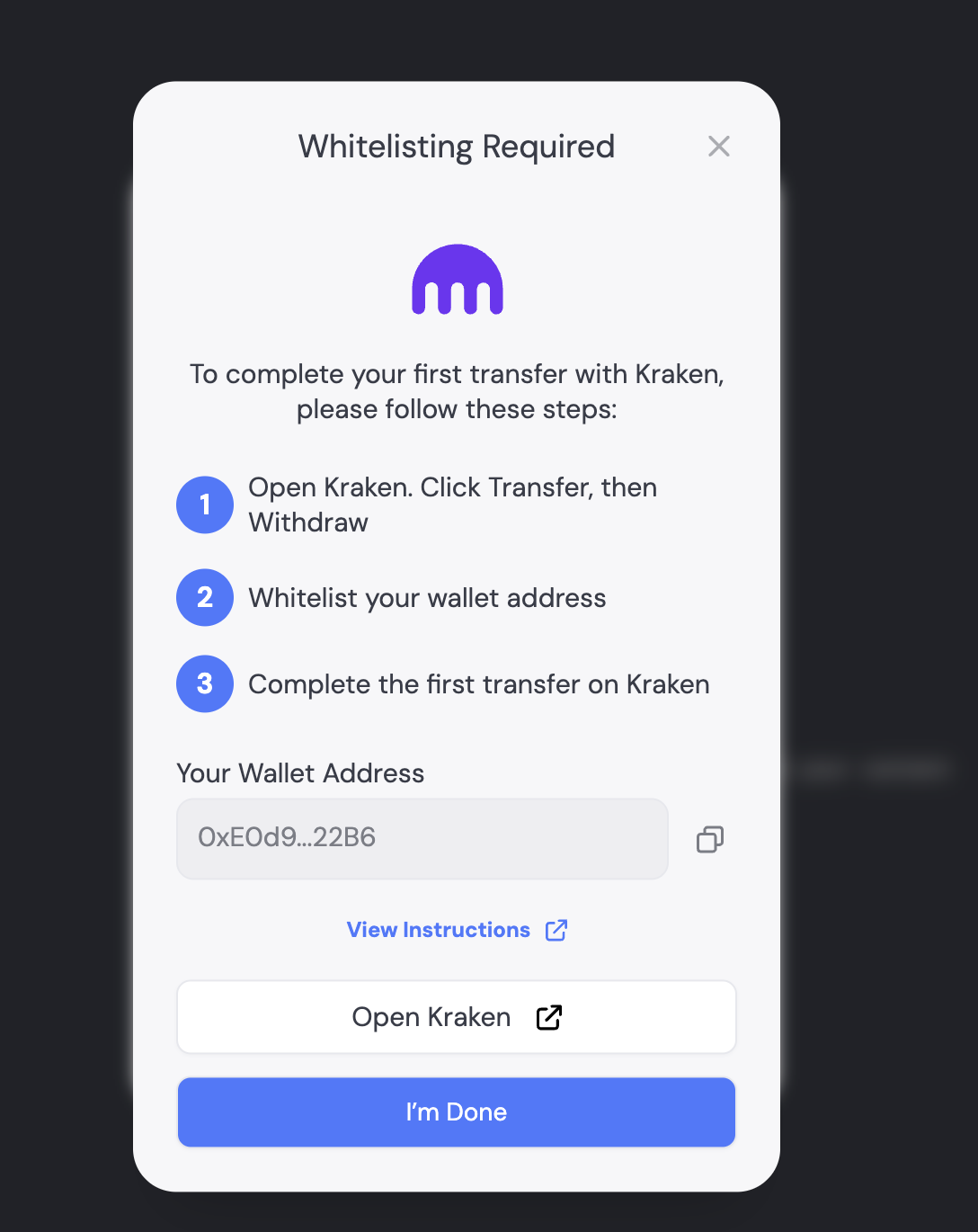
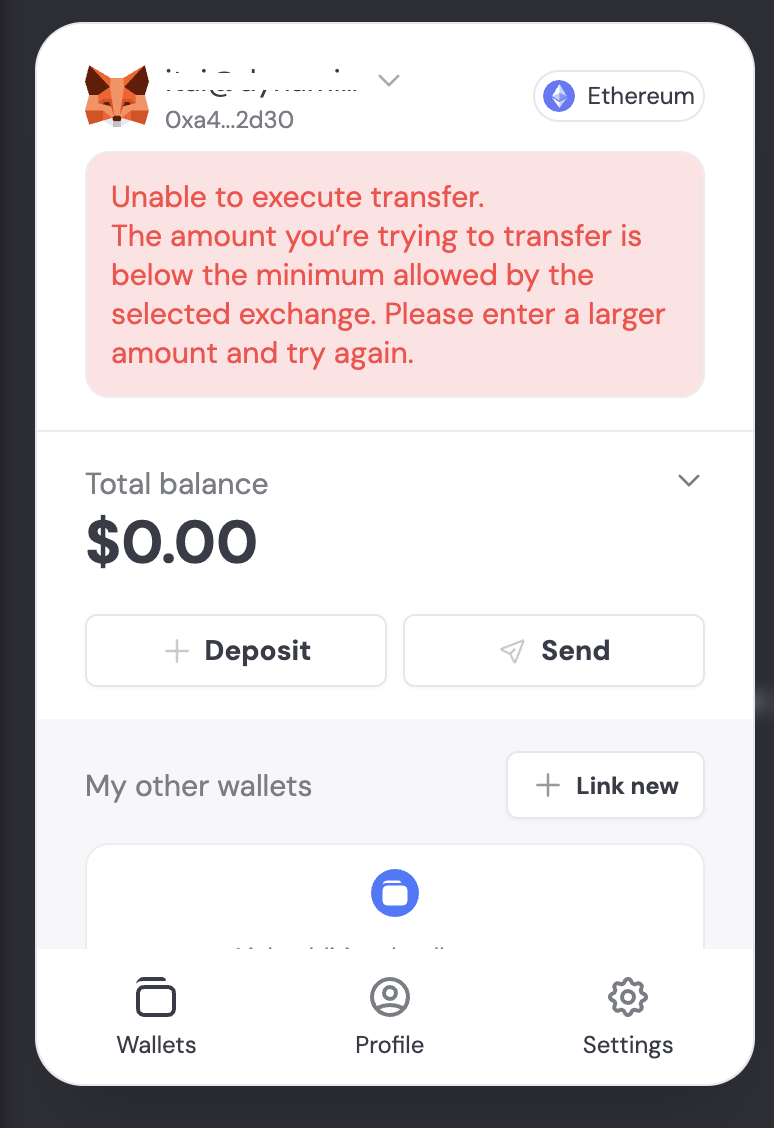
Error will states will be displayed on the UI informing a user of why a transaction failed.
Example Error Screens:
## Error States
Error will states will be displayed on the UI informing a user of why a transaction failed.
Example Error Screens: