While this SDK is still supported, we recommend using newer JavaScript SDK, which is optimized for React Native, but also comes with a host of other benefits.
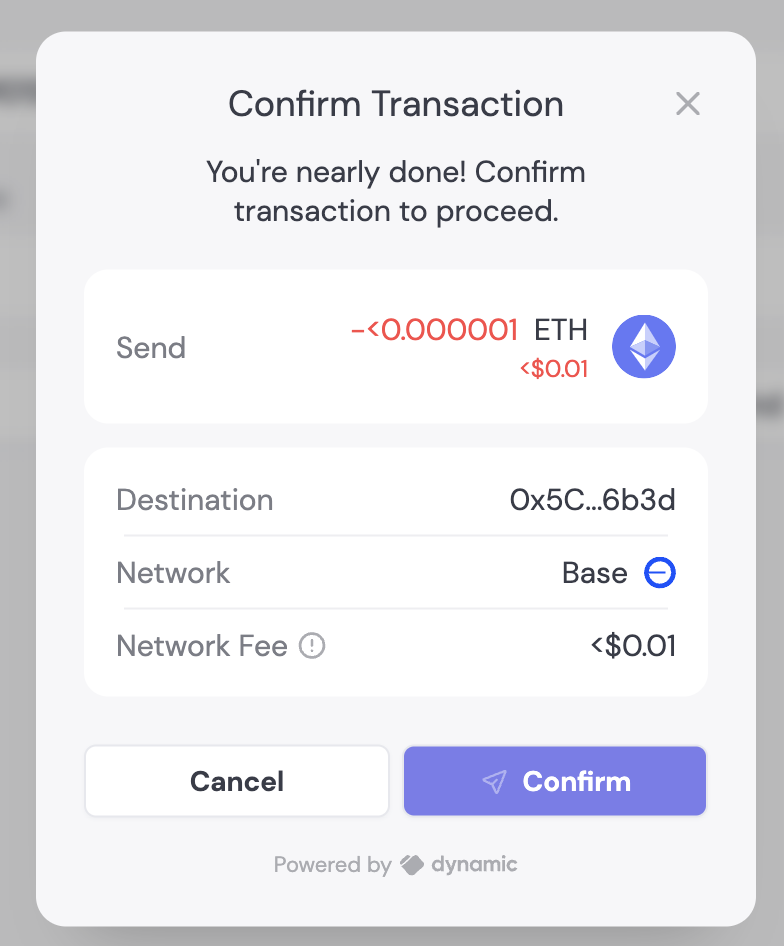
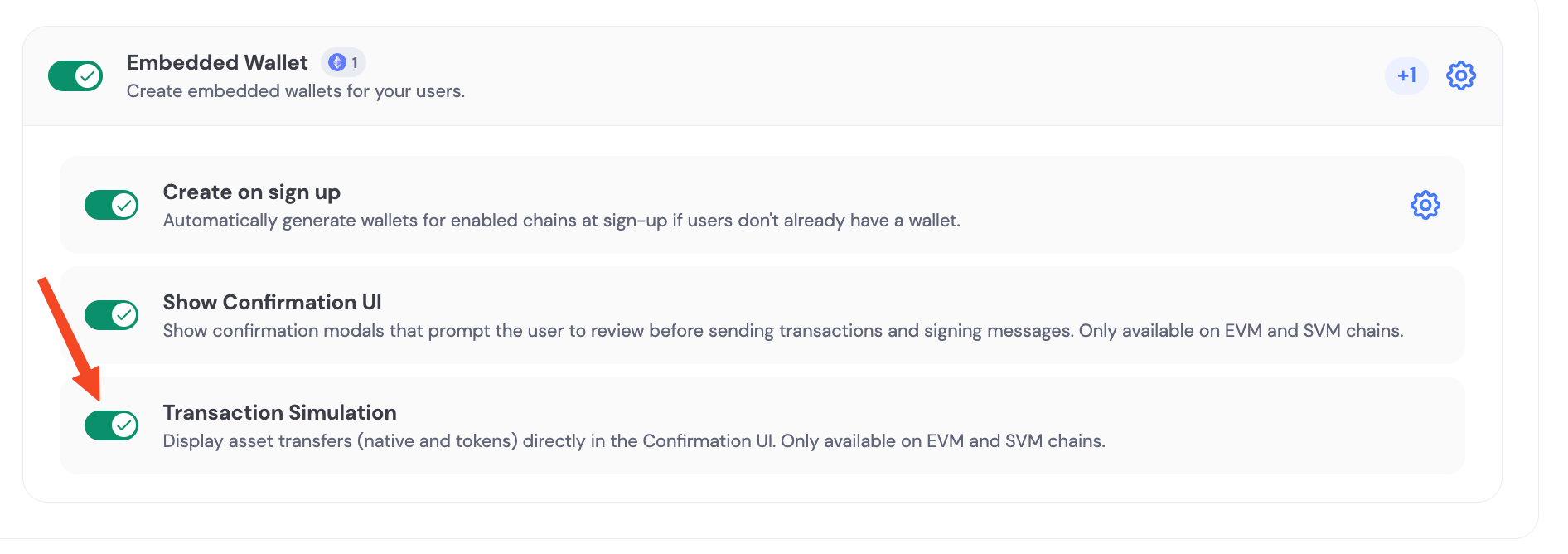
Embedded wallets sign transactions and messages via secure MPC (the user share + Dynamic share). This page focuses on configuring the end-user signing / confirmation experience for embedded wallets.If you’re looking for “how to sign / send transactions” examples, use the chain-specific wallet guides under Wallets → Interacting with Wallets.
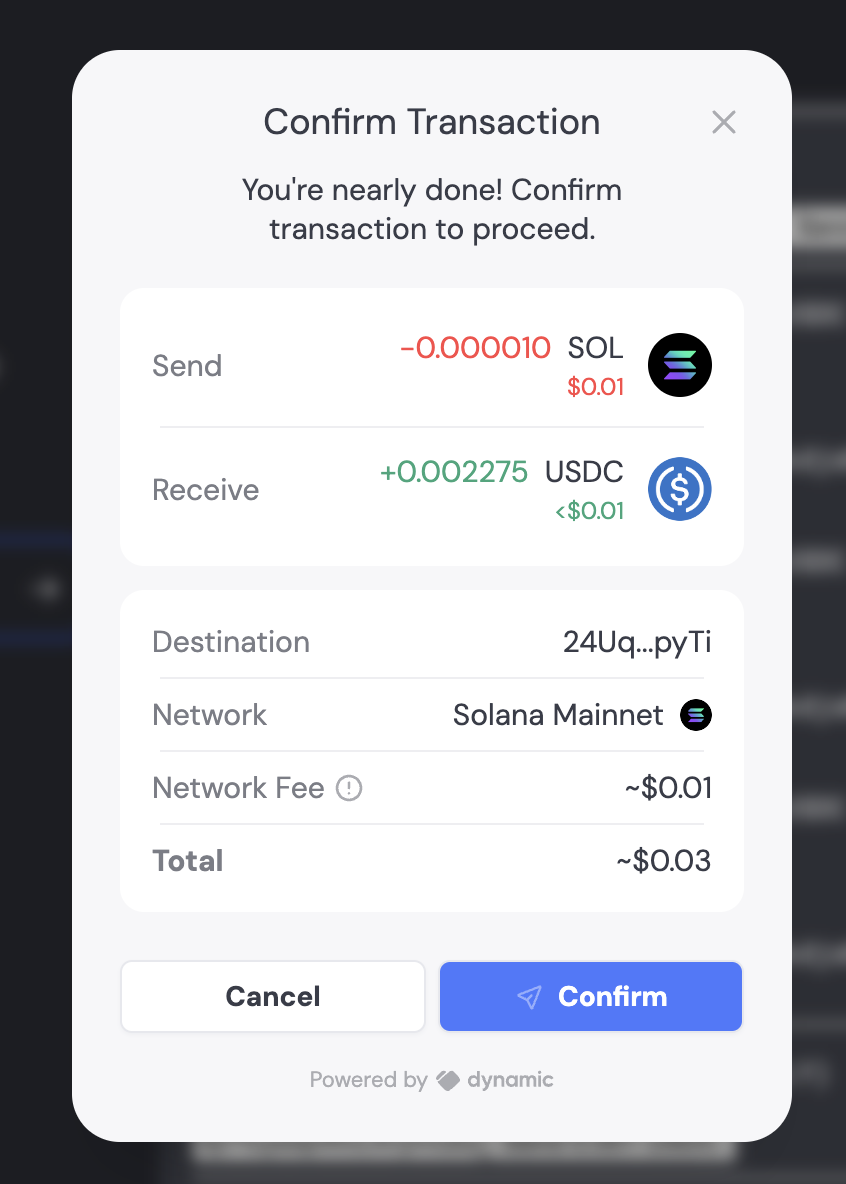
When enabled alongside the Confirmation UI, transactions will be simulated to display all asset transfers involved. For example, if you’re swapping 0.1 SOL for USDC, the transaction UI will clearly show the assets being sent and received.
Last modified on September 16, 2026
Assistant
Responses are generated using AI and may contain mistakes.