

Recommended: JavaScript SDK with React Hooks
For new React apps, we recommend the JavaScript SDK with React Hooks (
@dynamic-labs-sdk/react-hooks) instead of the legacy React SDK documented here. The JS SDK comes with many benefits such as a much smaller bundle size and other optimizations. Use the React quickstart (JavaScript SDK) to get started.This guide is currently React only.
Summary
At Dynamic, we make it incredibly simple to add a Fiat onramp solution to your SDK integration. We are currently working with Coinbase, Banxa, Crypto.com, and MoonPay. Other great onramp solutions will be made available soon.Crypto.com is currently in limited beta. Please contact support if you’re interested in early access.
Enabling
To enable an onramp solution:- Go to the Funding tab in your Dynamic developer console.
- Under “Fiat on-ramps”, toggle on whichever onramp you’d like to enable (add confirm any additional terms and conditions).
For Banxa, if you enable it on Sandbox, then you’ll be using Test Order. Reference Banxa’s test information so you can easily test in sandbox.
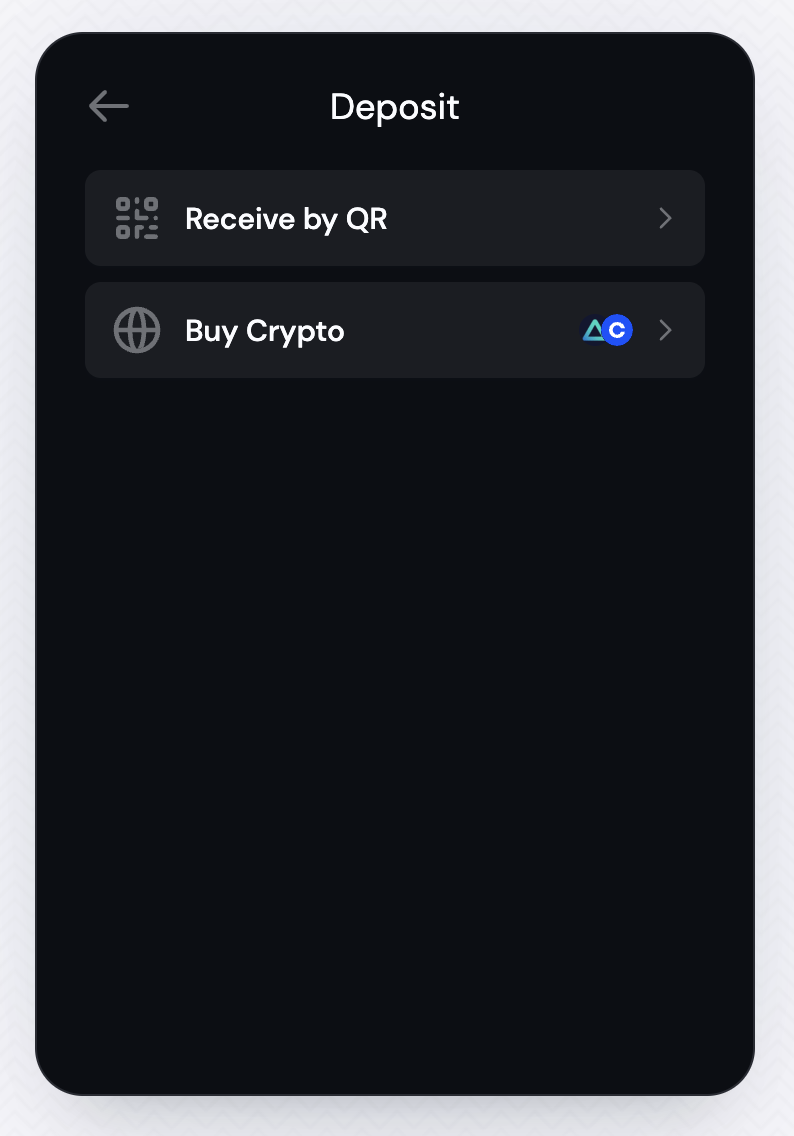
Trigger Onramp Using Your UI
The useOnramp hook allows you to trigger the onramp flow from your own UI. Notes: Ensure at least one Onramp is enabled in the Dynamic developer console Use theuseOnramp hook to trigger the onramp flow from your own UI components:
React
Custom UI Onramp Implementation
For developers looking to implement a custom UI version of the onramp feature, you can use theuseOnramp hook to access provider information and build custom onramp flows. See the useOnramp hook documentation for detailed examples and provider object structure.
Related
- useOnramp - Programmatic onramp triggering from your UI
- usePayWithDynamic - Unified payment flow with all funding options
Next Steps
To learn how to customize the experience, check out the Customizing the Onramp Experience doc. To learn what currencies and payment methods are supported by Coinbase onramp, check out the Coinbase Onramp Supported Currencies and Coinbase Onramp Supported Countries & Payment Methods sections. For detailed Crypto.com onramp integration, including payment tracking and custom UI implementation, see the Crypto.com documentation. For MoonPay integration, including the headlessMoonPayOnramp component and custom token selection, see the MoonPay documentation.