Recommended: JavaScript SDK with React Hooks

For new React apps, we recommend the JavaScript SDK with React Hooks (@dynamic-labs-sdk/react-hooks) instead of the legacy React SDK documented here. The JS SDK comes with many benefits such as a much smaller bundle size and other optimizations. Use the React quickstart (JavaScript SDK) to get started.

Summary

This component will render the signup/login UI as well as the user profile all in one on the page. It’s useful as an alternative to DynamicWidget, which first renders a button that brings up the flow. You can see this component in action on our demo: https://demo.dynamic.xyz/
ParameterTypeDescription
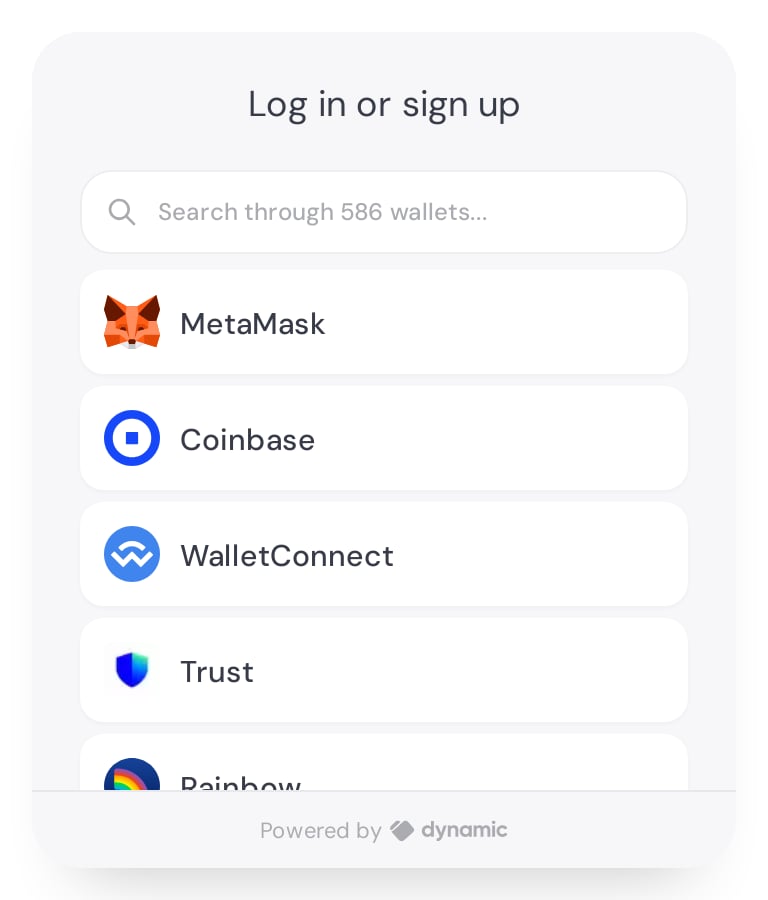
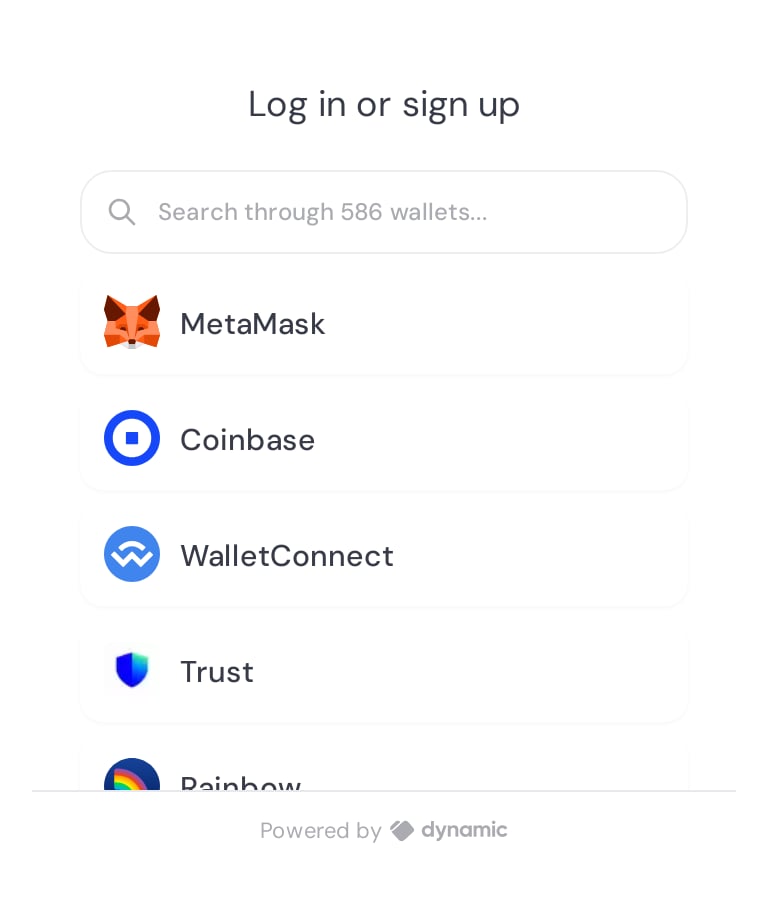
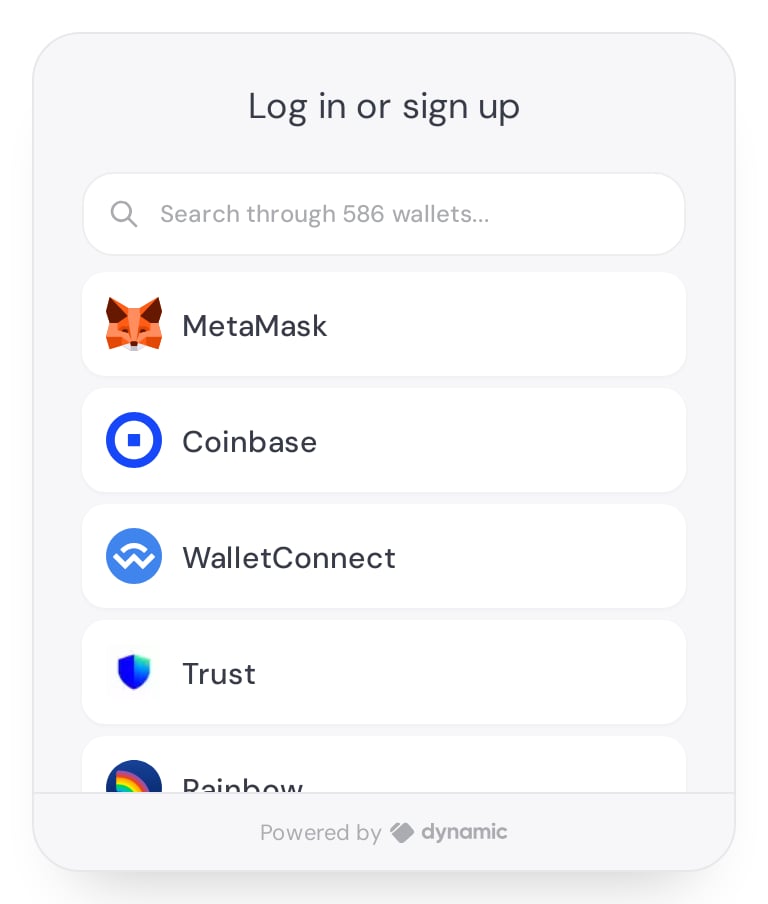
background?'default' | 'none' | 'with-border'Specifies what kind of background to apply , defaults to ‘default’. Check the playground section to see the differences.
className?stringAllows setting a className to the container component. Note: this does not work when Shadow Dom is enabled!
style?CSSPropertiesAllows passing explicit style to the container, such as setting a fixed height.

Playground

See how it works live! Play with the background options to see their effect!

Usage

import {
  DynamicEmbeddedWidget,
  DynamicContextProvider,
  useDynamicContext,
} from "@dynamic-labs/sdk-react-core";
import { EthereumWalletConnectors } from "@dynamic-labs/ethereum";

import "./App.css";

function App() {
  const { sdkHasLoaded } = useDynamicContext();

  return (
    <div className="App">
      <DynamicContextProvider
        settings={{
          environmentId: "XXXX",
          walletConnectors: [EthereumWalletConnectors],
        }}
      >
        <div className="widget-container">
        {sdkHasLoaded ? (
            // background can be 'none', 'default' or 'with-border'
            <DynamicEmbeddedWidget background="default" />
          ) : (
            <LoadingSpinner />
          )}
        </div>
      </DynamicContextProvider>
    </div>
  );
}

export default App;
Last modified on June 25, 2026