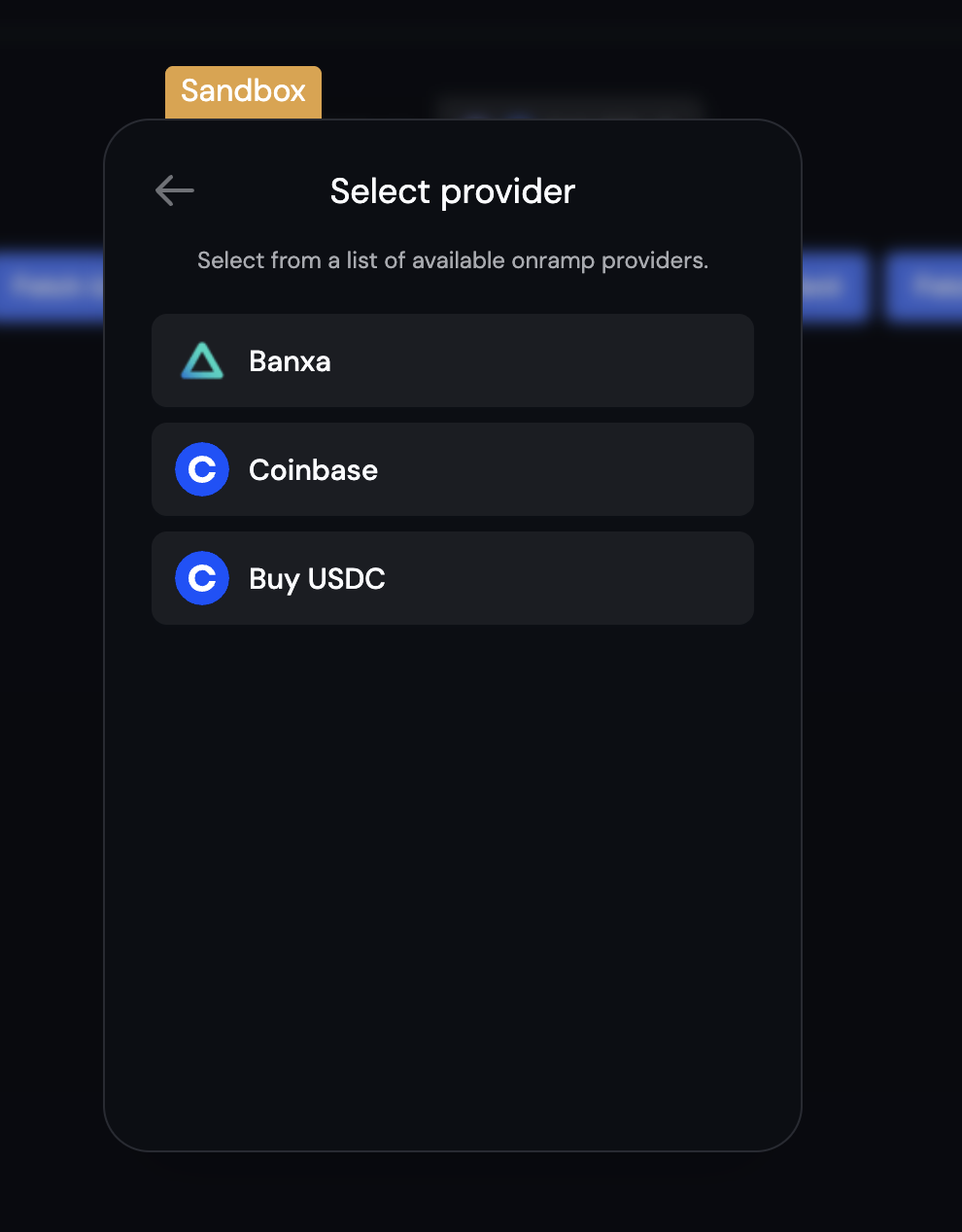
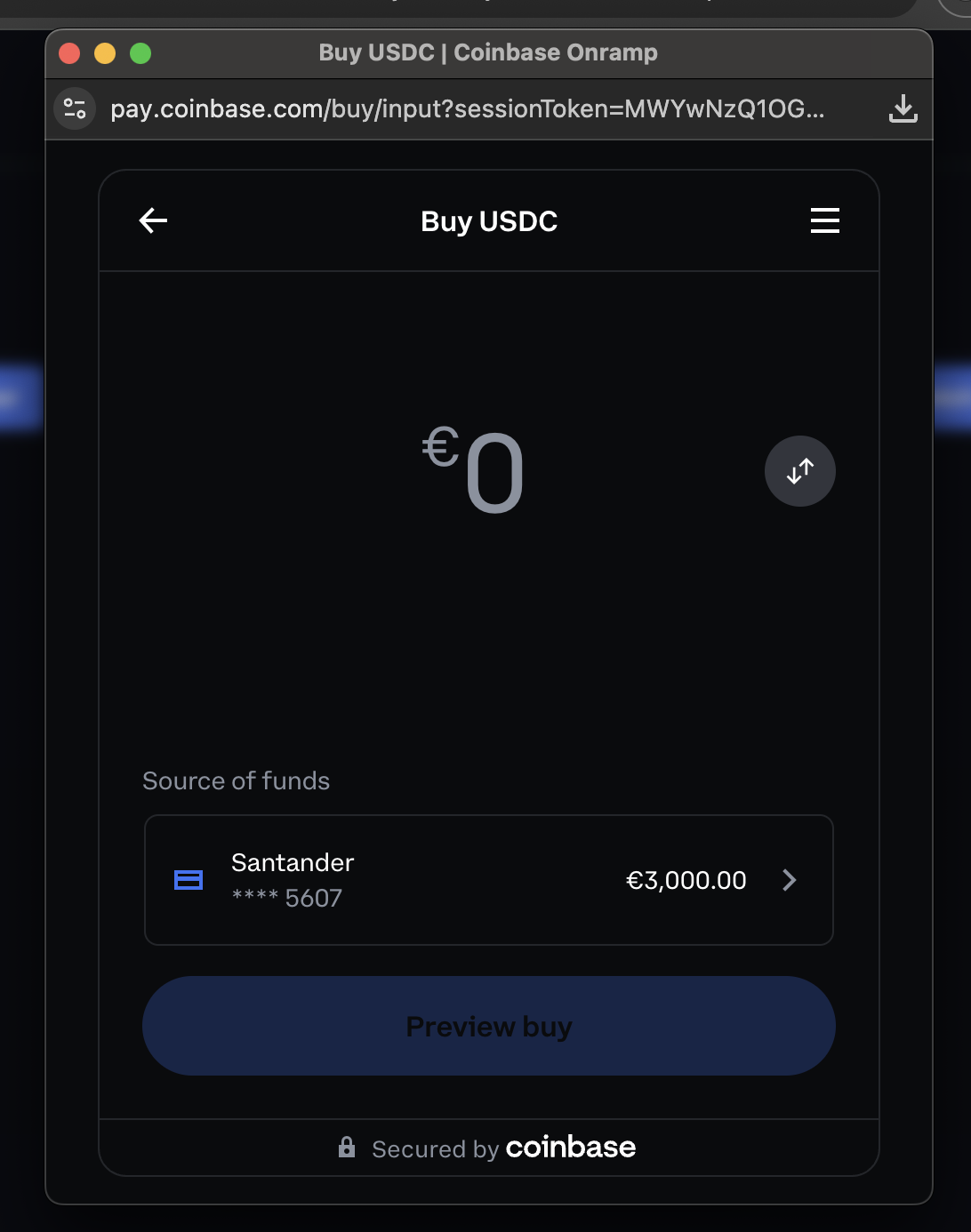
This guide is currently React only.
Enable Coinbase Onramp
To enable Coinbase Onramp, you need to first enable it in the Dynamic Developer Console.- Go to the funding page in the Dynamic Developer Console and enable Coinbase Onramp
- Configure the onramp to use USDC as the asset and set the default experience to buy (onrampOptions)
React
DynamicContextProvider with overrides to configure custom onramp options for your application:
React