Dashboard Configuration
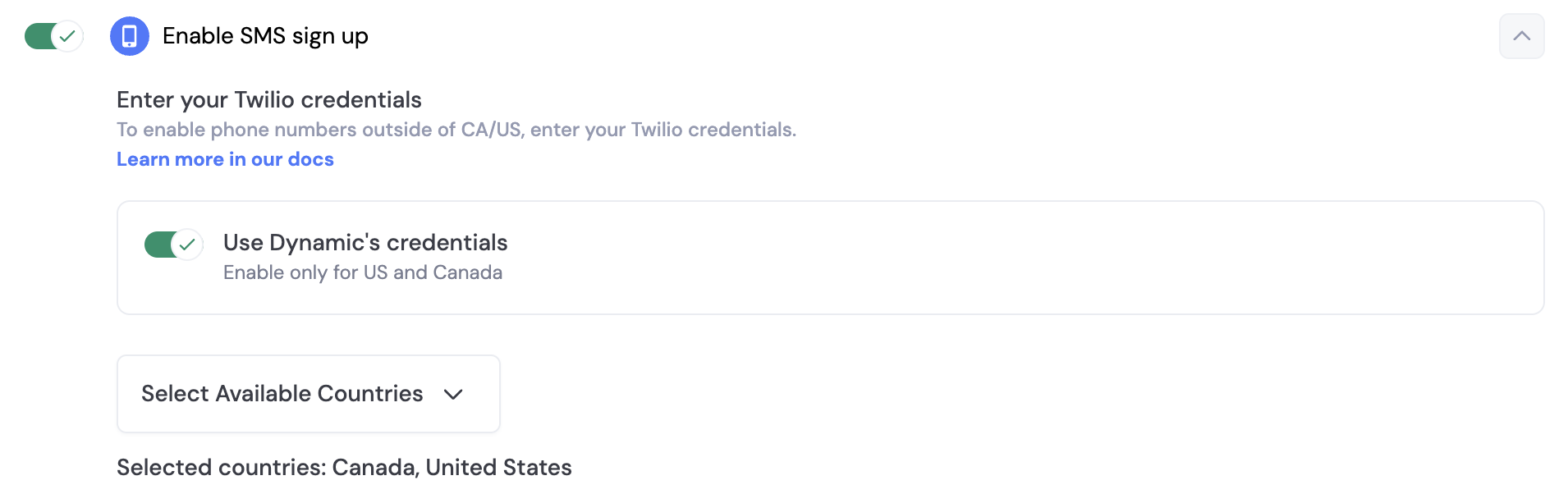
Toggle on “Phone Number” in the Log in & User Profile section of the developer console.
By default, you can use Dynamics credentials to send SMS messages to your users. However, if you want to send beyond US & Canada, you will need to set up your own Twilio account. In order to do this, you toggle off “Use Dynamic’s credentials” and a section will open up for you, where you can enter your own credentials.
SMS & Embedded Wallets
When you enable SMS sign-up, you can also enable embedded wallets for your users. This means that when a user signs up with their phone number, they will also receive a wallet that they can use to interact with your application.
In order to ensure your end users are adequately protected against attacks like sim swaps, we highly encourage you to enable account MFA (TOTP) via Google Authenticator.
Prerequisites
Before this: create and initialize a Dynamic client (see Creating a Dynamic Client, Initializing the Dynamic Client).
Usage
Last modified on September 21, 2026