Recommended: JavaScript SDK with React Hooks
For new React apps, we recommend the JavaScript SDK with React Hooks (
@dynamic-labs-sdk/react-hooks) instead of the legacy React SDK documented here. The JS SDK comes with many benefits such as a much smaller bundle size and other optimizations. Use the React quickstart (JavaScript SDK) to get started.Quick override (copy-paste)
Change any UI text by finding itscopykey in the browser inspector and overriding it in the locale prop:
Full guide
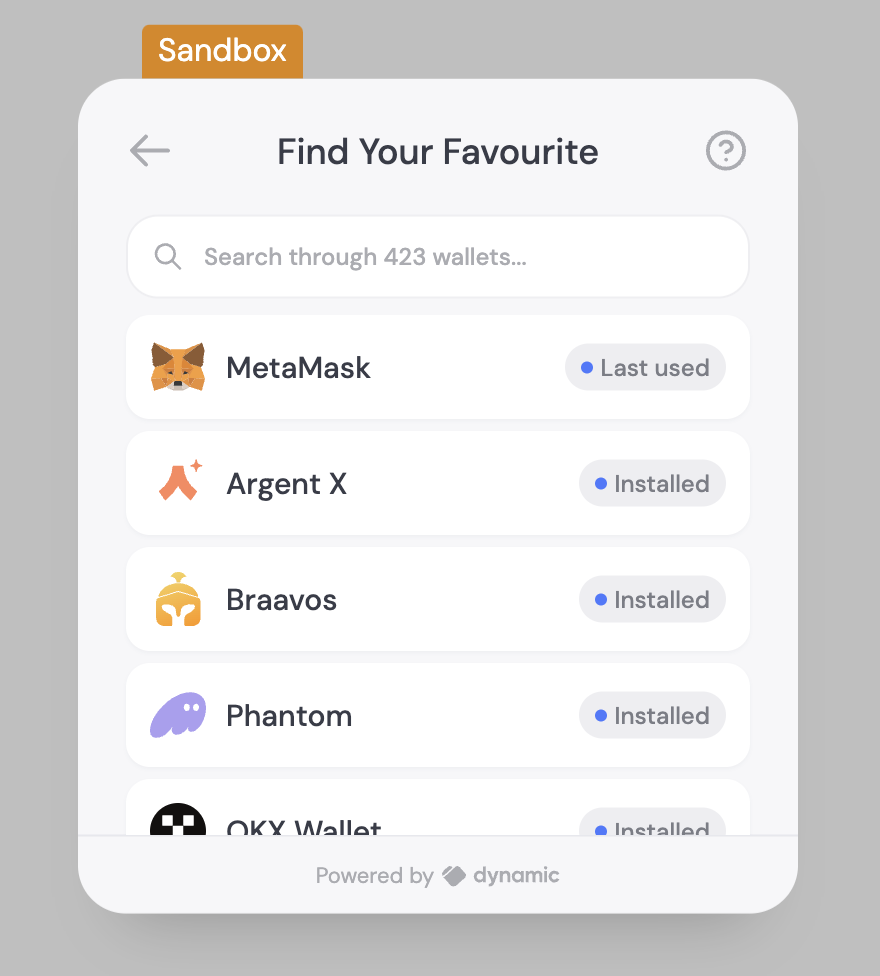
In this short guide we will update some text in the default language (English), add an Italian translation, learn how to let the user change their language and along the way, learn all about the locale object you’ll be working with! Let’s imagine we want to change the “Select your wallet” text in the image below to “Find your favorite” and then do the same with an Italian translation.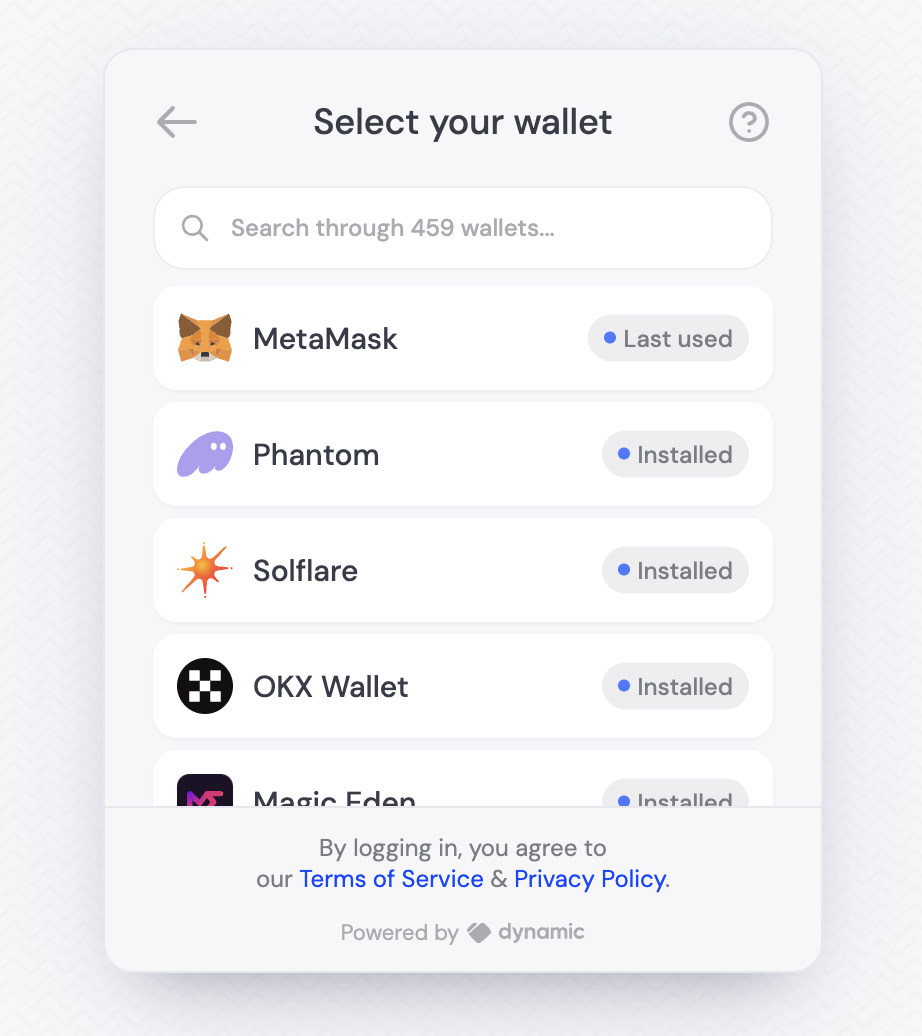
copykey attribute on that element. In this case, you’ll see that it is “dyn_login.title.all_wallet_list”.
Now we’ll create our locale object, and add a new key with that value. It always starts with a key of the language you’re editing, in this case “en” for English. Then we add the key that we found in the browser, and then the value we want to replace it with.
Using the translations file
Using the translations file
You probably noticed the translation object has a very specific shape. You can actually check it yourself by looking in “@dynamic-labs/sdk-react-core/src/lib/locale/en/translation.js” which you can reach by going to the definition of LocaleResource in your IDE once imported (
import { LocaleResource } from '@dynamic-labs/sdk-react-core')Here is an example excerpt from that file: