Documentation Index

Fetch the complete documentation index at: https://docs.dynamic.xyz/docs/llms.txt

Use this file to discover all available pages before exploring further.

Below is an example showcasing the setup for tabs that categorize wallets by blockchain network, utilizing both custom and predefined filter functions:
import {
  DynamicContextProvider,
  FilterChain,
} from "@dynamic-labs/sdk-react-core";
import {
  BitcoinIcon,
  EthereumIcon,
  FlowIcon,
  SolanaIcon,
} from "@dynamic-labs/iconic";

const App = () => {
  return (
    <DynamicContextProvider
      settings={{
        environmentId: "env-id",
        // Additional settings...

        overrides: {
          views: [
            {
              type: "wallet-list",
              tabs: {
                items: [
                  {
                    label: { text: "All chains" },
                  },
                  {
                    label: { icon: <EthereumIcon /> },
                    walletsFilter: FilterChain("EVM"),
                    recommendedWallets: [
                      {
                        walletKey: "phantomevm",
                      },
                    ],
                  },
                  {
                    label: { icon: <SolanaIcon /> },
                    walletsFilter: FilterChain("SOL"),
                  },
                  {
                    label: { icon: <BitcoinIcon /> },
                    walletsFilter: FilterChain("BTC"),
                  },
                  {
                    label: { icon: <FlowIcon /> },
                    walletsFilter: FilterChain("FLOW"),
                  },
                ],
              },
            },
          ],
        },
      }}
    ></DynamicContextProvider>
  );
};
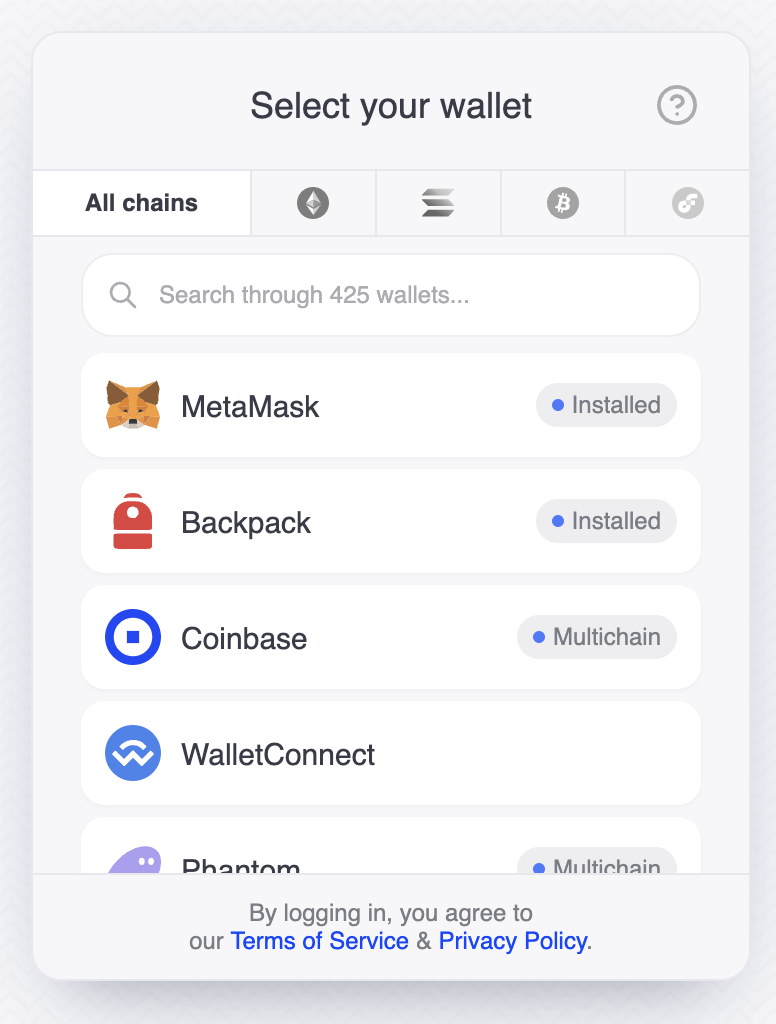
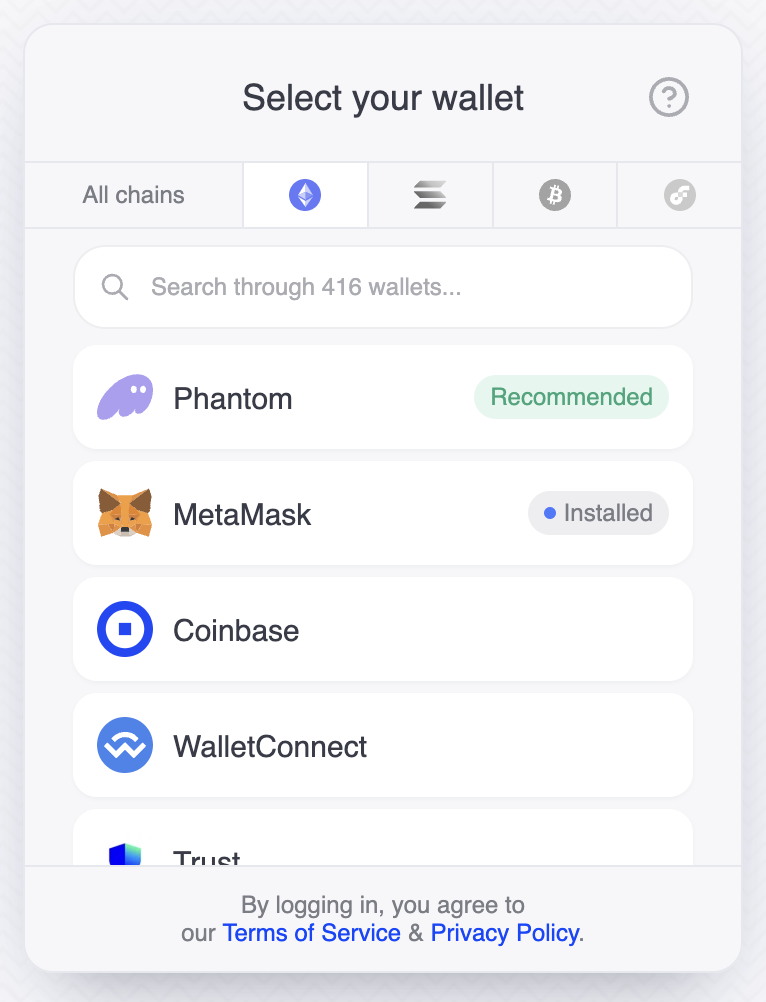
This is the wallet list view with the tabs
All chains tab selectedEthereum selected
Let’s create a button that, when clicked, will automatically open the Ethereum tab.
import React from "react";
import { useDynamicContext } from "@dynamic-labs/sdk-react-core";

/**
 * Component for a button that opens the Ethereum tab by default.
 */
const ConnectWithEthereum: React.FC = () => {
  const { setShowAuthFlow, setSelectedTabIndex } = useDynamicContext();

  /**
   * Handles the button click event by setting the default tab to Ethereum and showing the authentication flow.
   */
  const onClickHandler = (): void => {
    setSelectedTabIndex(1); // Set the selected tab index to 1, which corresponds to the Ethereum tab
    setShowAuthFlow(true);
  };

  return <button onClick={onClickHandler}>Connect with Ethereum wallet</button>;
};

export default ConnectWithEthereum;