Recommended: JavaScript SDK with React Hooks
For new React apps, we recommend the JavaScript SDK with React Hooks (
@dynamic-labs-sdk/react-hooks) instead of the legacy React SDK documented here. The JS SDK comes with many benefits such as a much smaller bundle size and other optimizations. Use the React quickstart (JavaScript SDK) to get started.Wallets → Interacting with Wallets.
Confirmation UI
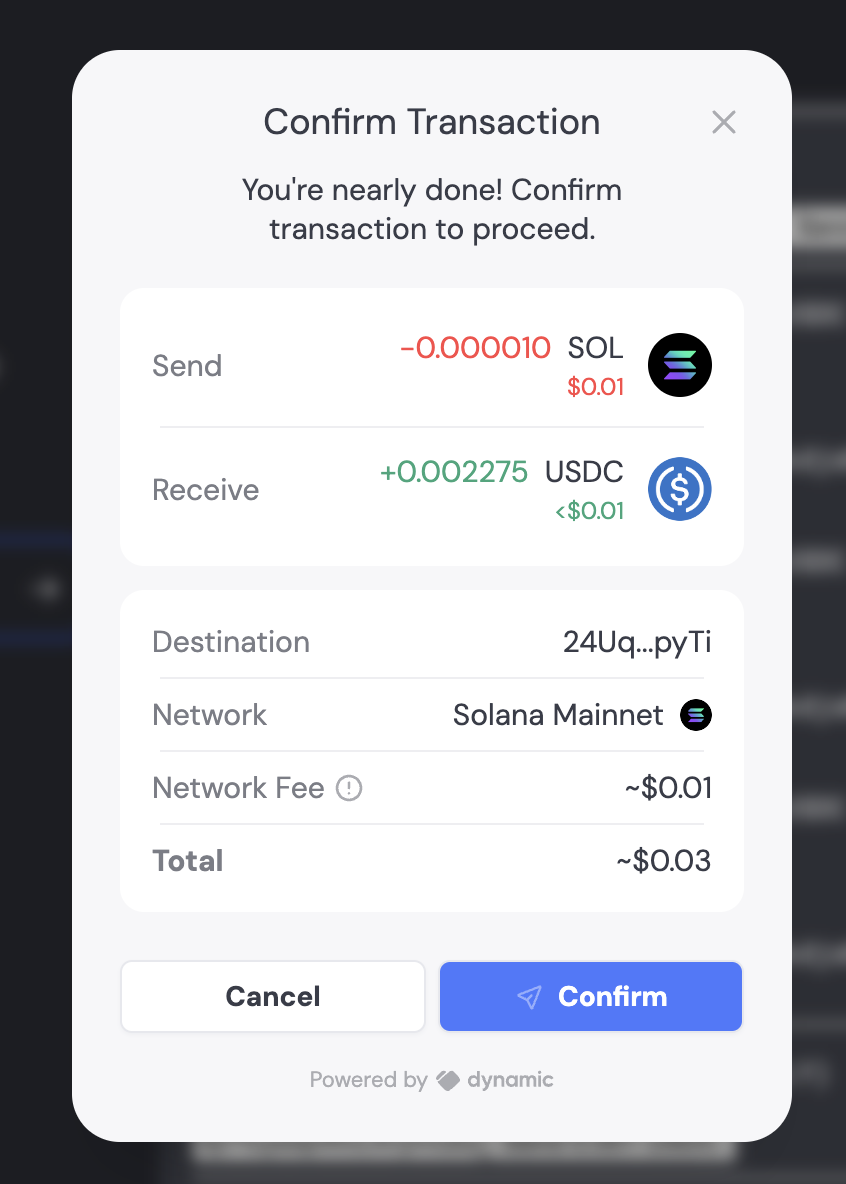
By default, when a user needs to sign a transaction, they’ll see a confirmation screen like this: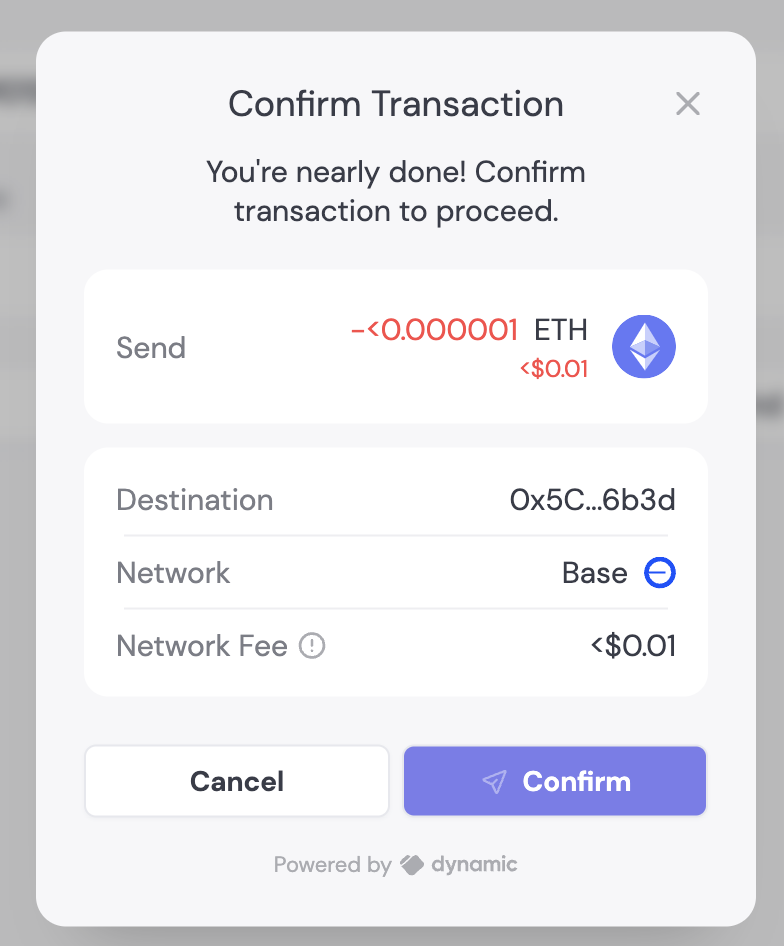
Disable confirmation screen
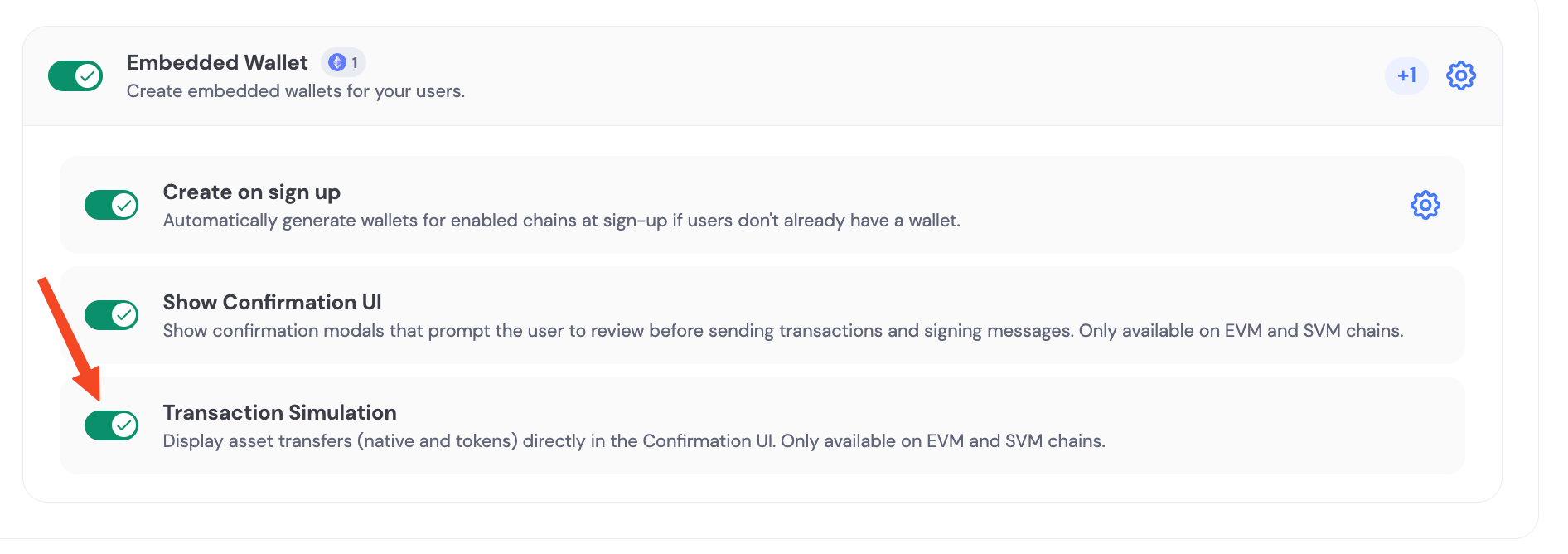
You can enable/disable the transaction confirmation screen with a single toggle in the Embedded Wallet configuration page.Modal title
Change the default “Confirm transaction” text using Translations:Transaction simulation