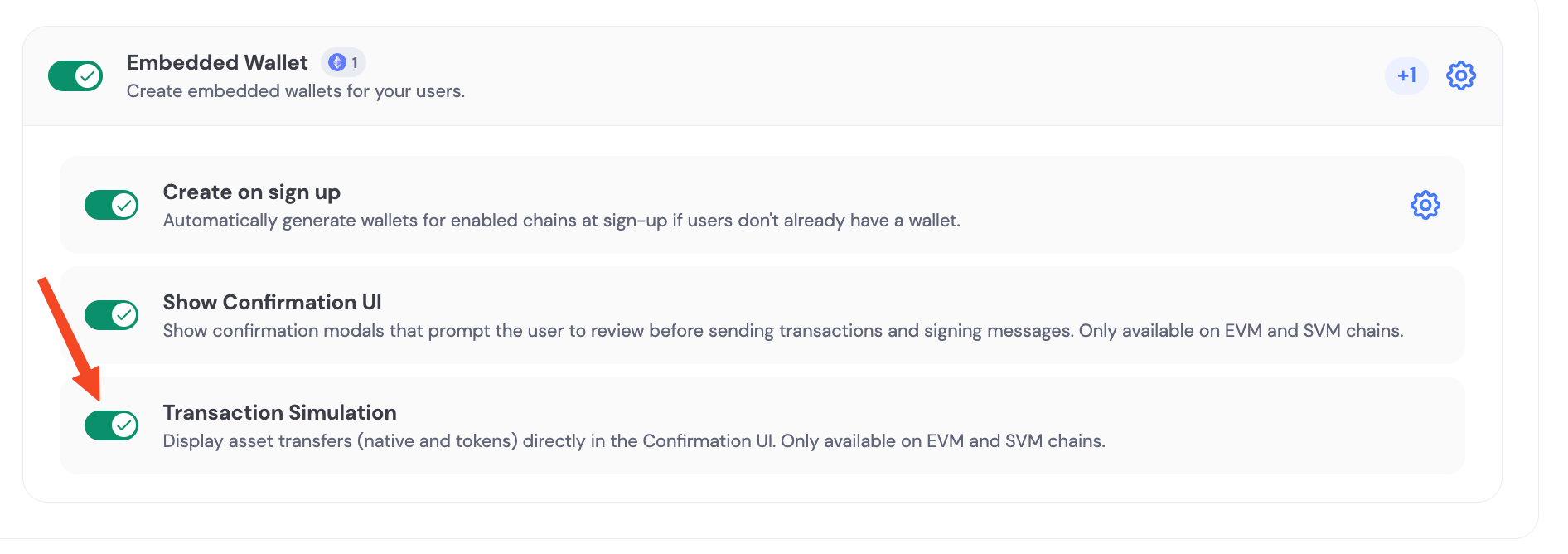
Embedded wallets sign transactions and messages via secure MPC (the user share + Dynamic share). This page focuses on configuring the end-user signing / confirmation experience for embedded wallets. If you’re looking for “how to sign / send transactions” examples, use the chain-specific wallet guides under Wallets → Interacting with Wallets.

Confirmation UI

By default, when a user needs to sign a transaction, they’ll see a confirmation screen like this:
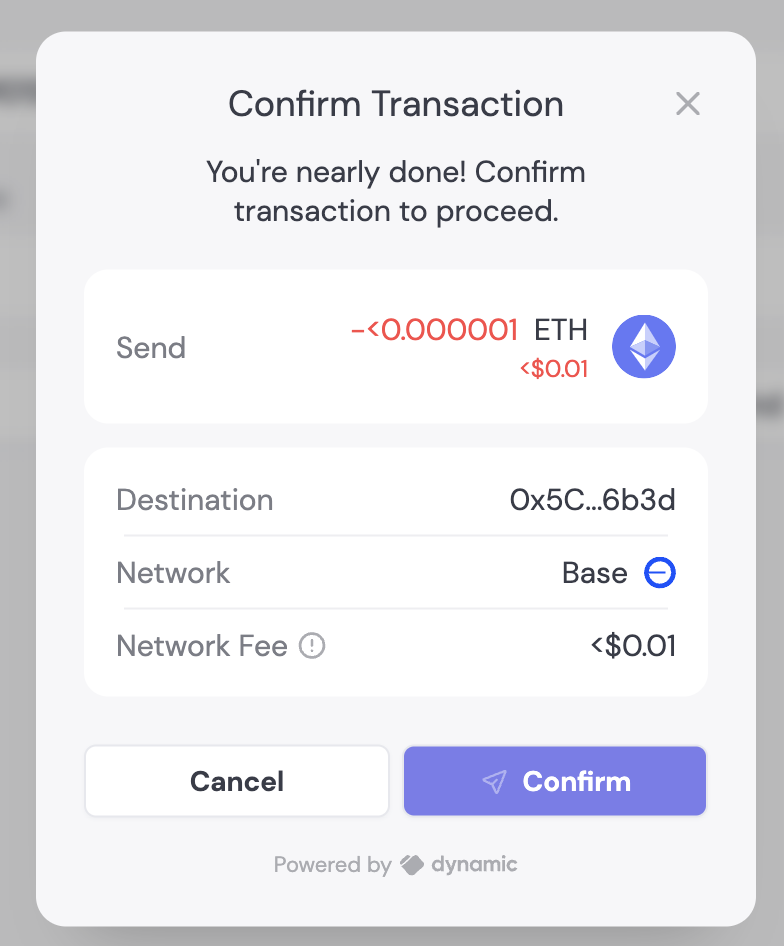
You can customize various elements of the transaction UI:

Disable confirmation screen

You can enable/disable the transaction confirmation screen with a single toggle in the Embedded Wallet configuration page. Change the default “Confirm transaction” text using Translations:

Transaction simulation

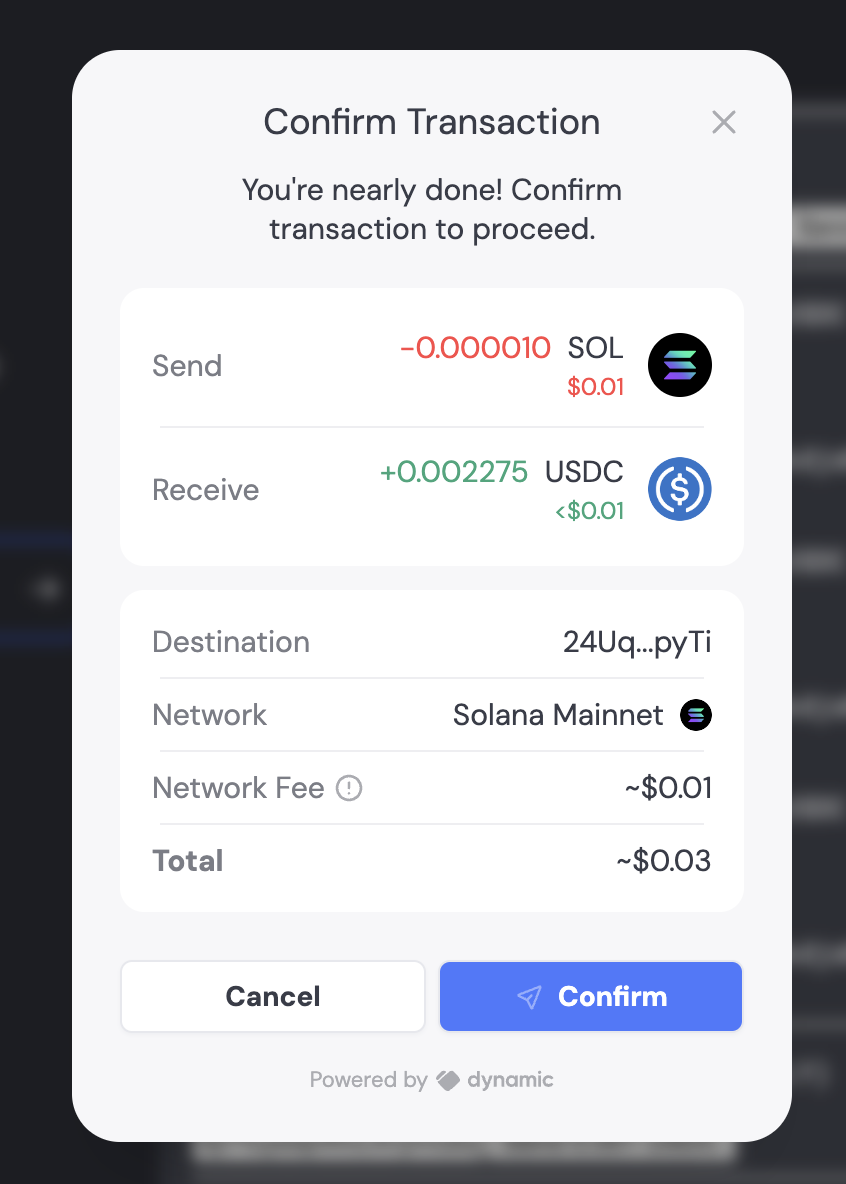
When enabled alongside the Confirmation UI, transactions will be simulated to display all asset transfers involved. For example, if you’re swapping 0.1 SOL for USDC, the transaction UI will clearly show the assets being sent and received.